Before uploading a video, is klap safe for your project?

If you are asking is klap safe, start with the recording you plan to share. Whether Klap is appropriate depends on who appears in it, what it reveals, and what permissions you have—not just whether a tool can make a short clip.

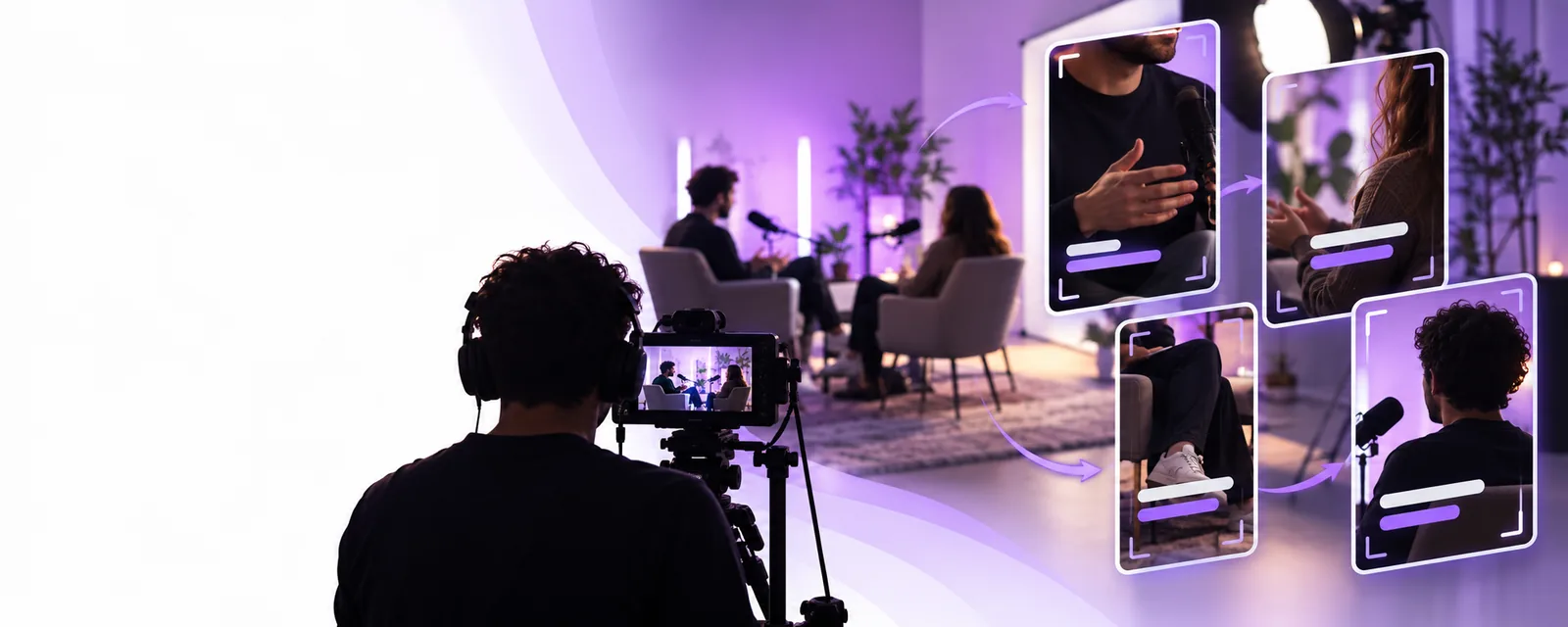
Klap video editing imagery

3 misconceptions about video safety

A polished clip does not settle questions about consent, disclosure, or where footage goes. Use these three misconceptions as a checklist, not as claims about Klap’s security practices.

Common assumption Safer interpretation
Misconception 1: Public video If a recording is already online, anyone can upload it to Klap. Public viewing does not necessarily grant permission to reuse, edit, or submit someone else’s footage to a service.
Misconception 1: Source rights Credit in the finished clip is enough. Check the source license and any agreement with the creator before editing or distributing the material.
Misconception 2: Personal details Only the spoken message matters. Faces, names, screens, addresses, and background audio can disclose information unintentionally.
Misconception 2: Consent A person agreed to be filmed, so every new use is covered. Consent for recording may not cover uploading the file or publishing a shortened version.
Misconception 3: Finished clip A short output is safe because it contains less footage. A short excerpt can remove context or make a sensitive statement easier to circulate.
Misconception 3: Service claims The editing result proves how the source file was handled. Output quality cannot establish retention, access, deletion, or security controls. Check the applicable service terms and privacy information.

What it actually is

Klap is associated with turning longer recordings into shorter video content. That editing purpose is separate from the question of whether a particular recording is suitable to submit.

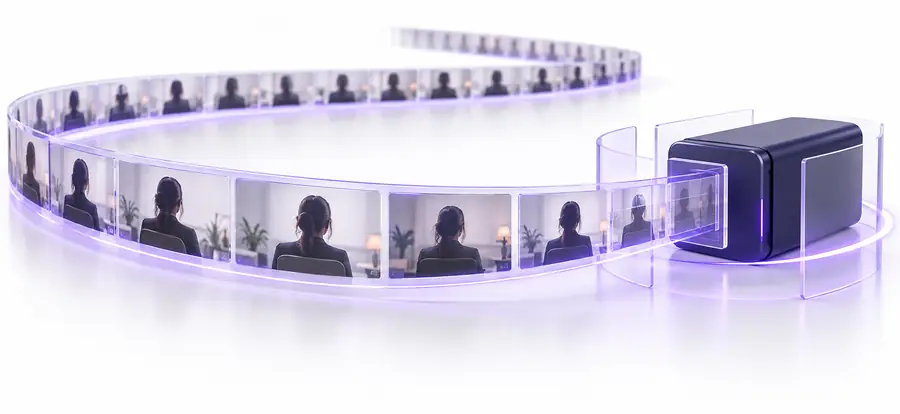
Illustration of a longer source video
Longer source recording
Illustration of short vertical video examples
Short-form examples

These images illustrate an editing workflow, not a verified before-and-after result or evidence of how Klap stores files. Review both the full recording and any excerpt for private details, missing context, and people who did not agree to this use.

Longer source recordingShort-form examples

Boundary conditions

A reasonable decision changes with the source material. Check the applicable service policies directly; do not treat this page as an audit of Klap or a guarantee that any upload is safe.

Creator using their own recording

You filmed a public-facing talk and control the source file.

Confirm that guests and any visible audience members are covered by your intended use. Then review the proposed clip for statements that lose meaning when shortened.

what is klap

Team handling client material

A customer supplied footage under a project agreement.

Check whether the agreement permits processing by an external service. Ask the client before submitting material if that permission is unclear.

klap online

Creator evaluating access

You want to test a workflow with a sample video.

Use footage you own and can share. Read the current terms before uploading; access terms alone do not answer privacy or permission questions.

klap free

When NOT to use it

Do not upload medical, legal, financial, workplace-confidential, or other restricted recordings to Klap unless your organization and the people involved have authorized that processing. Pause if you cannot verify the source rights, consent, or rules governing where the file may be sent. If a clip could identify a vulnerable person or expose a private conversation, resolve that risk before editing—not after publishing. For footage that is cleared for external processing, review the destination service’s current policies and the finished clip before you share it.

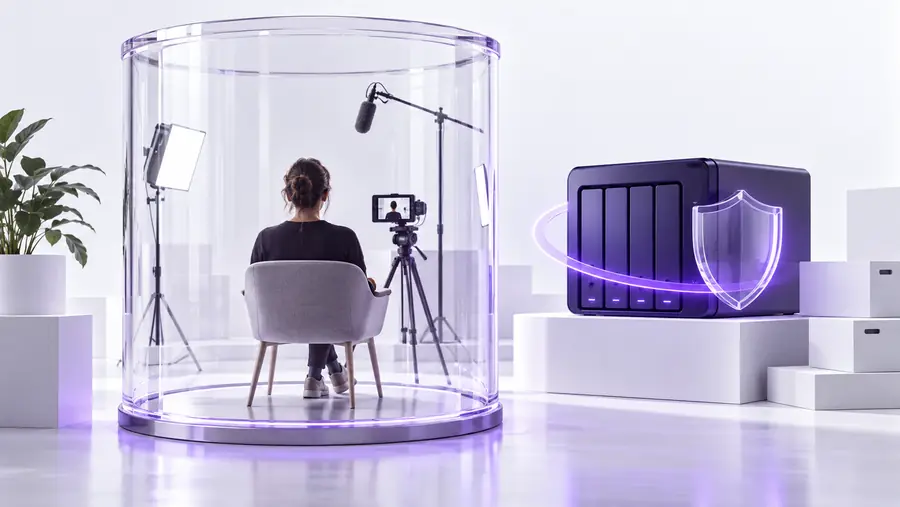
Keep restricted footage out of the workflow

  • Confirm permission to process the source file
  • Remove details that should not leave your control
  • Review the excerpt before publication
Explore video tools

Is an AI video maker safe? FAQ

An AI video maker may be appropriate for footage you have permission to process, but no general answer covers every recording or service. Check the provider’s current privacy and security information, then assess the people, rights, and sensitive details in your file. A safe choice for a public demo may be unsuitable for a confidential interview.

Only do so if you have the rights and permissions required for that use. Being able to watch or download a video does not, by itself, establish permission to submit it for editing or publish a new clip. When ownership or consent is uncertain, ask the rights holder first.

Not necessarily. A brief excerpt may still show a face, display a name, capture a private screen, or reveal information through audio. Watch the proposed output closely and consider whether cutting away surrounding context changes what a person appears to say.

Confirm your organization permits the recording to be processed by an external service, especially if clients or employees appear in it. Review the applicable service terms and privacy information rather than assuming how files are retained or accessed. If approval is required and you do not have it, keep the footage in an approved environment.

Start creating
Start creating